
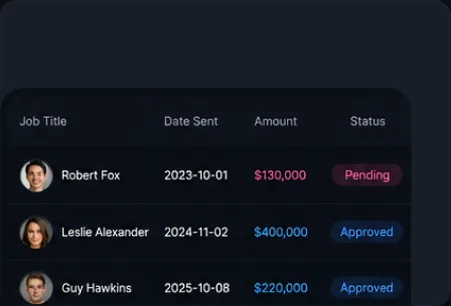
Report Management
Search and manage available reports by report name, date range, status, and creation time.
SuperADS allows ad accounts, spend data, and operational tools to work together to monitor channel health and optimize performance across platforms in real time.
Your ad accounts, spend, and performance. One view.
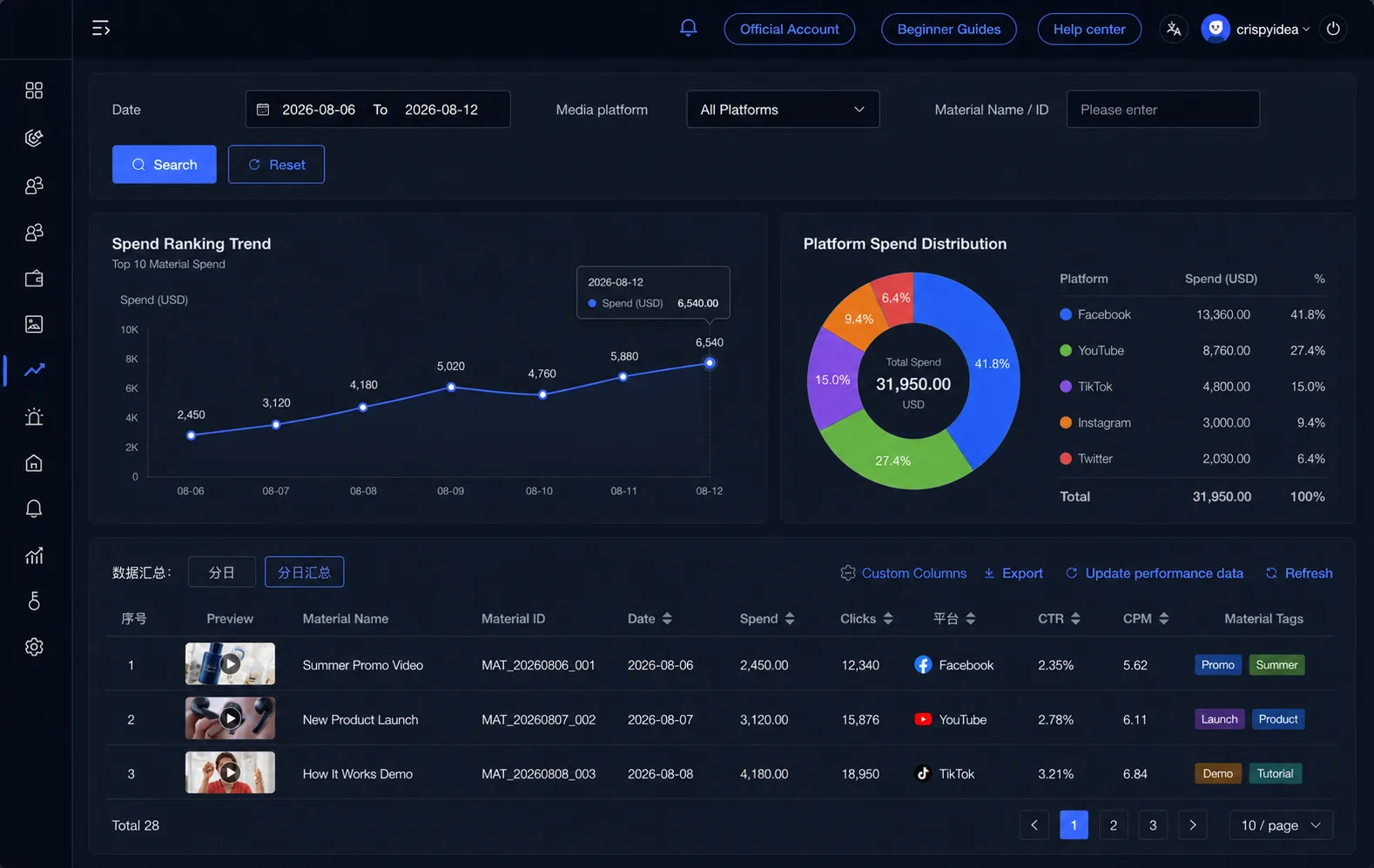
What Reporting & Analytics gives your team access to.
Search and manage available reports by report name, date range, status, and creation time.
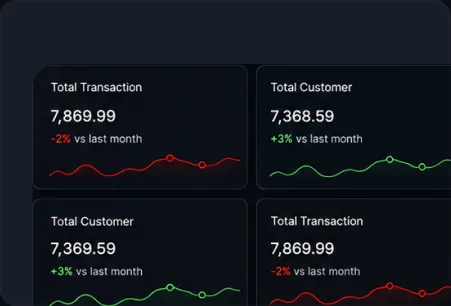
Filter total consumption by account-opening company, media platform, account ID, or selected period.
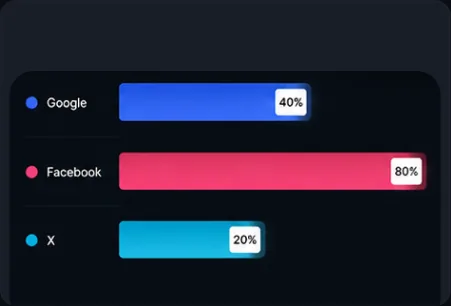
Review account, campaign, ad group, and ad-level data across supported platforms.
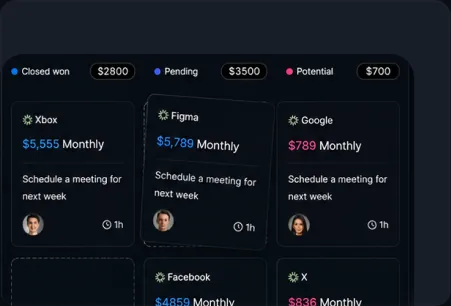
Set monitoring conditions by platform and receive automatic alerts based on selected ad performance criteria.
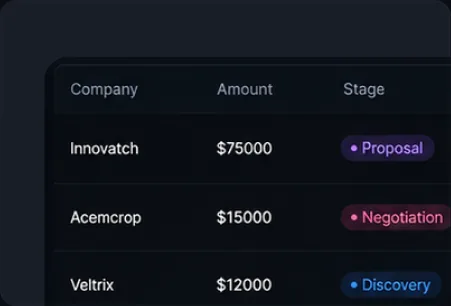
Review abnormal consumption records, account status, authorization details, and violation history.
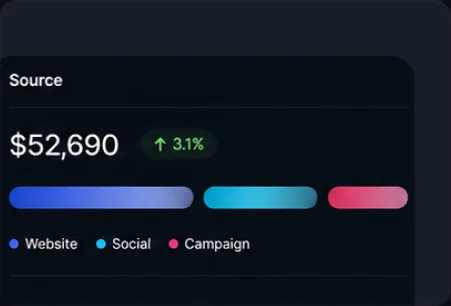
Use the material library to review newly added assets and assets with no recorded spend.
The path from connecting accounts to acting on the data.
Bring advertising accounts from Facebook, Google, TikTok, and other supported channels into a single workspace.

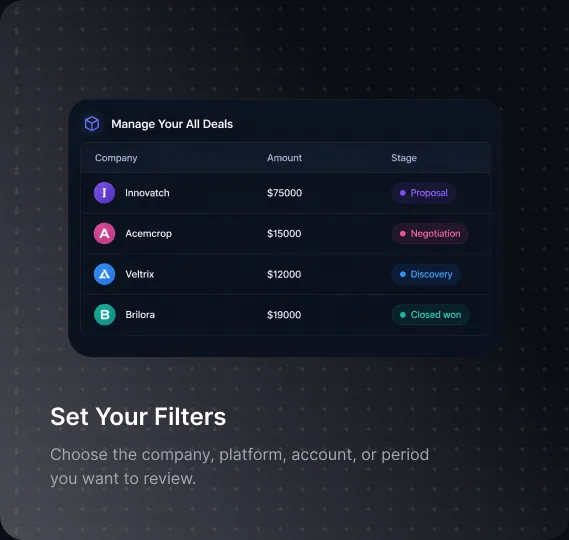
Choose the company, platform, account, or period you want to review.
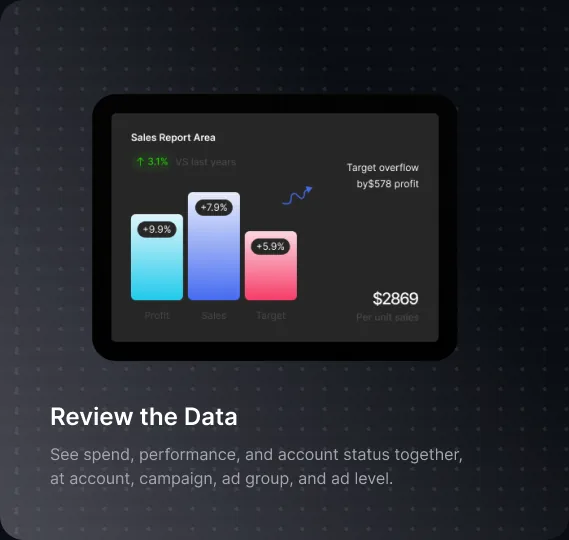
See spend, performance, and account status together, at account, campaign, ad group, and ad level.
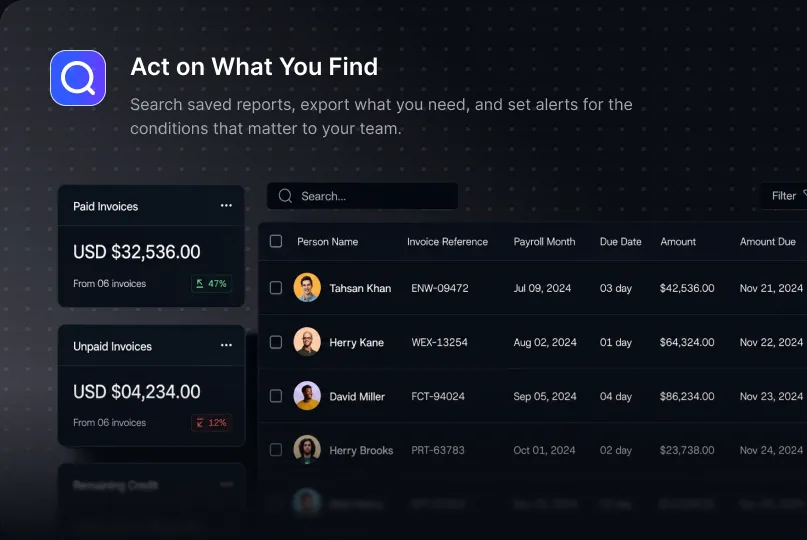
Search saved reports, export what you need, and set alerts for the conditions that matter to your team.
The business case for keeping this data in one place instead of separate platform logins.
Access account status, authorization, financial data, and campaign performance within the same platform, instead of piecing it together from separate tools.
Search, filter, and export supported reports instead of rebuilding them from separate platform exports each cycle.
Abnormal consumption, violation history, and account status are visible next to the numbers, so risk isn't a separate conversation from performance.
Real tasks this supports, day to day.

Pull spend, impressions, and conversion data across accounts for regular reporting cycles.

Review authorization status, violation history, and abnormal consumption to identify issues affecting delivery.

Filter and export data by account-opening company to support reporting across multiple advertising accounts.

Review wallet balance, frozen funds, and available balance alongside spend and performance data.
Built for the teams reviewing spend, monitoring account health, and reporting on performance.

Manage reporting across multiple client accounts and supported advertising platforms from one dashboard.

Review spend, campaign performance, account status, and financial information from one system.

Access filterable and exportable data for regular reporting, financial reviews, account checks, and delivery monitoring.
One place for account, campaign, and spend data across supported platforms.
Risk signals shown next to performance, not tracked separately.
Balances visible alongside spend, without a separate finance tool.
Alerts set by platform and account scope.
Reports searchable and exportable on your terms.
Review spend, account health, and performance in one connected system.