

Account
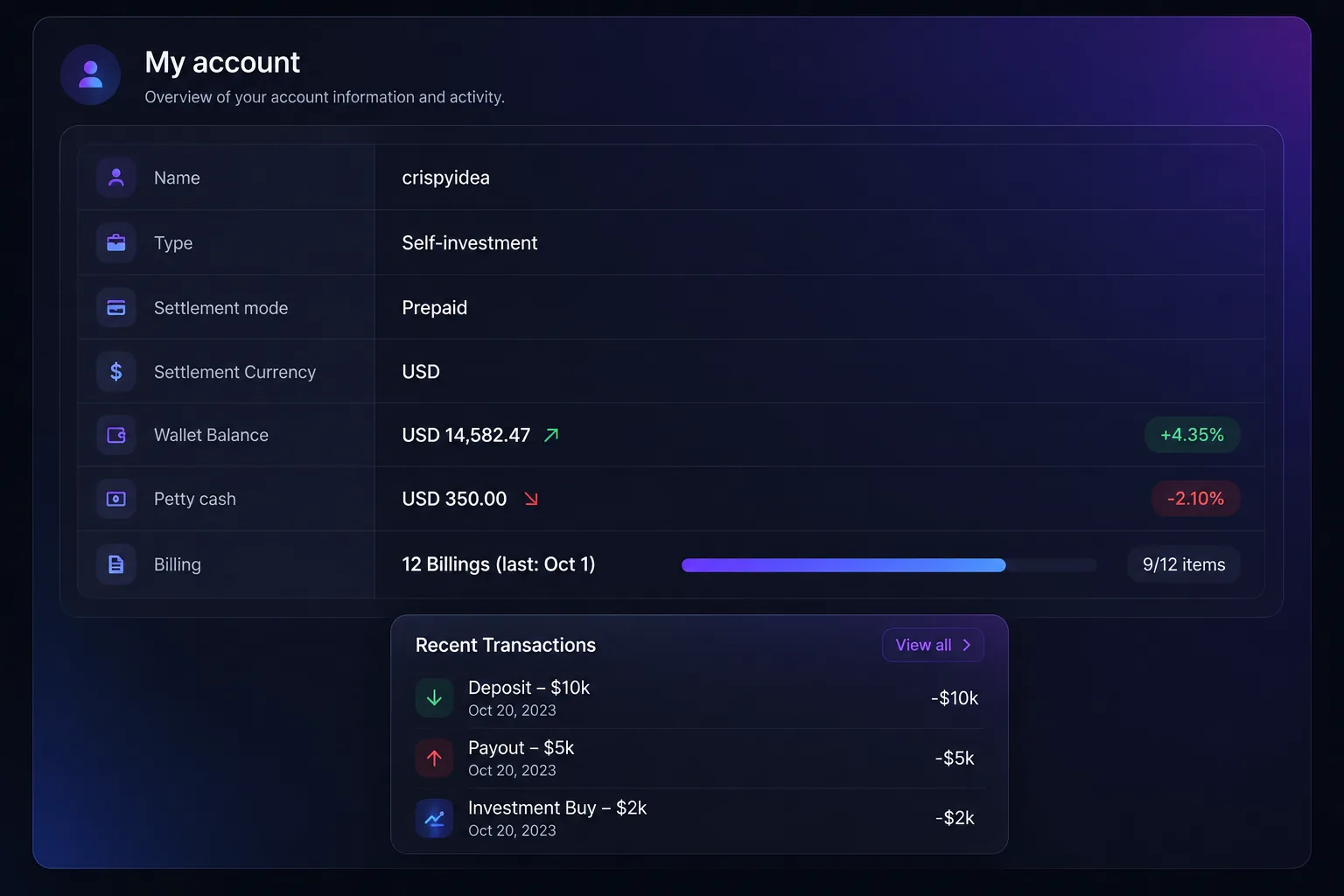
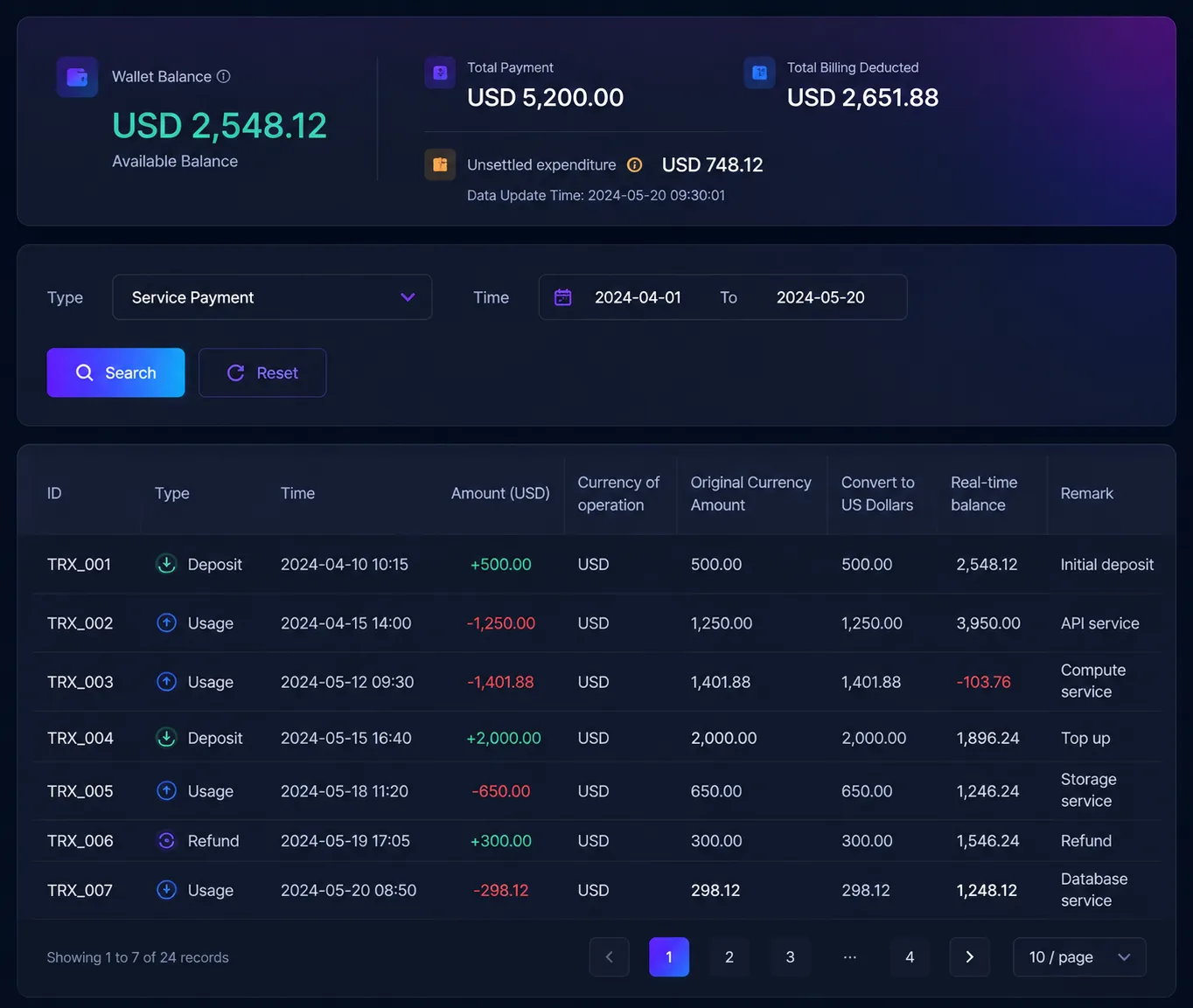
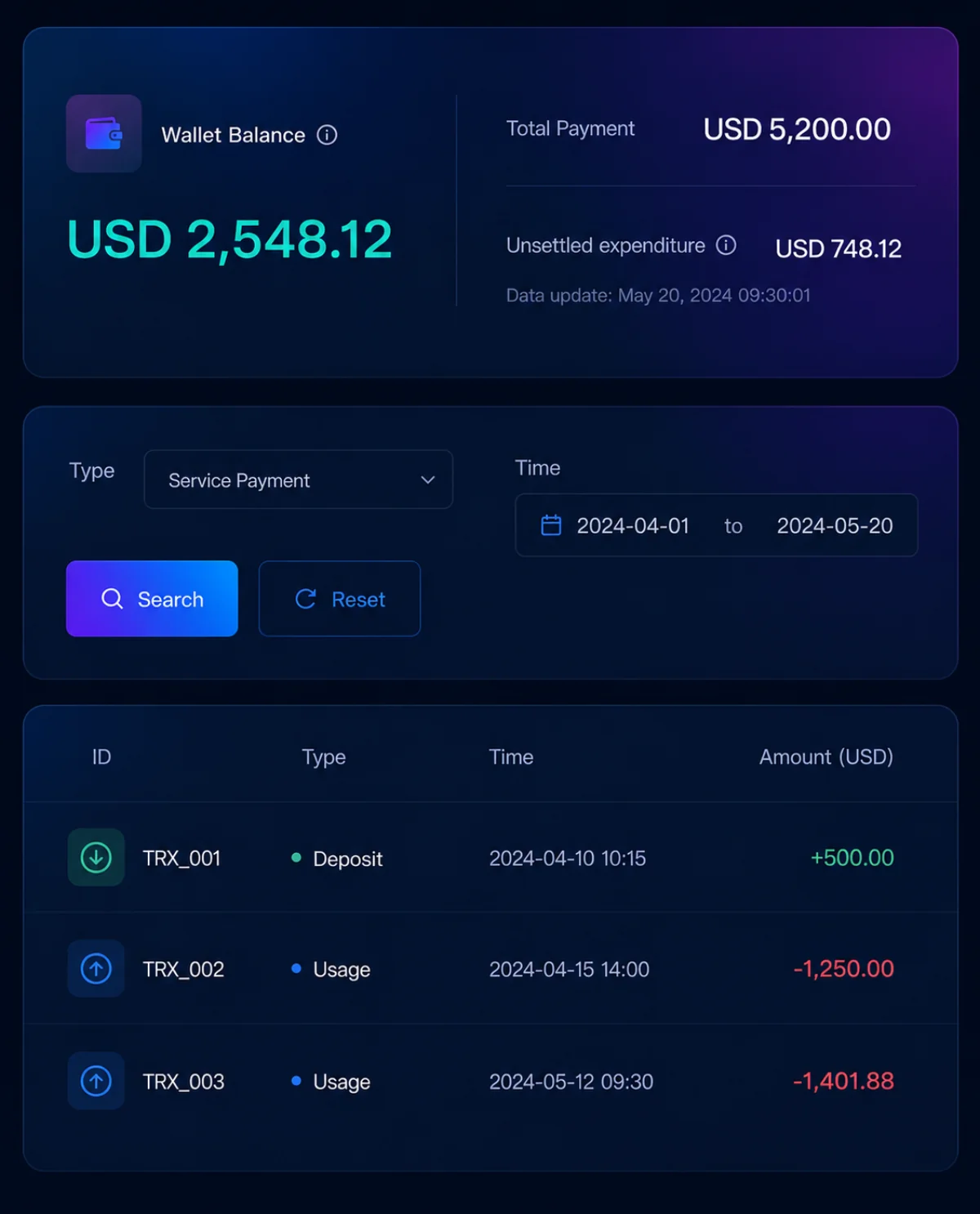
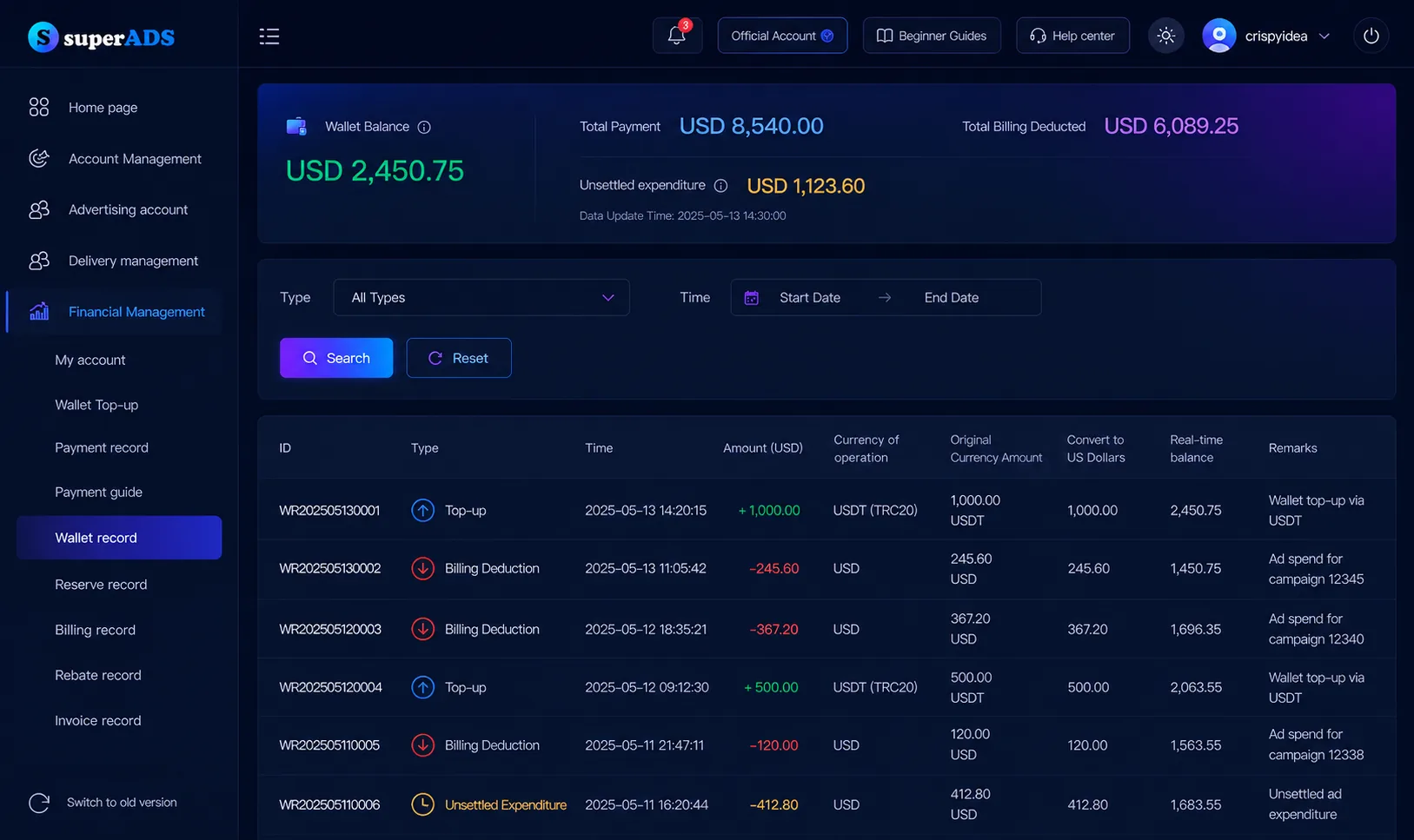
See your account type, settlement method, settlement currency, wallet balance, available balance, and billing records.
SuperADS gives advertisers and agencies a financial layer for funding media across platforms and markets. Add funds, allocate balances to advertising accounts, follow payment status, and keep billing activity ready for review.
One wallet for ad payments, account funding, and records.

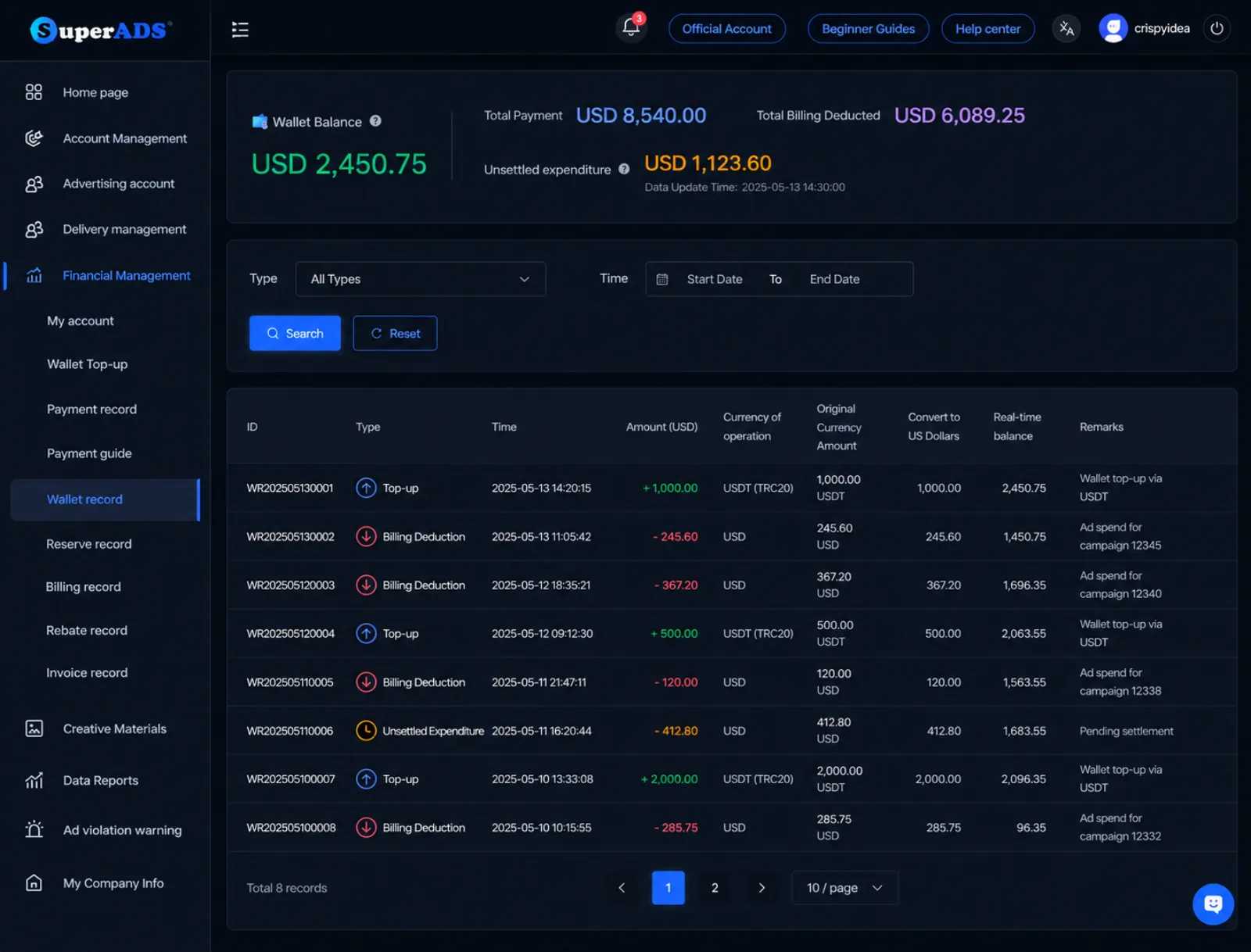
SuperADS keeps your balances, payments, bills, and wallet records together, so you always know what came in and where it went.
See your account type, settlement method, settlement currency, wallet balance, available balance, and billing records.
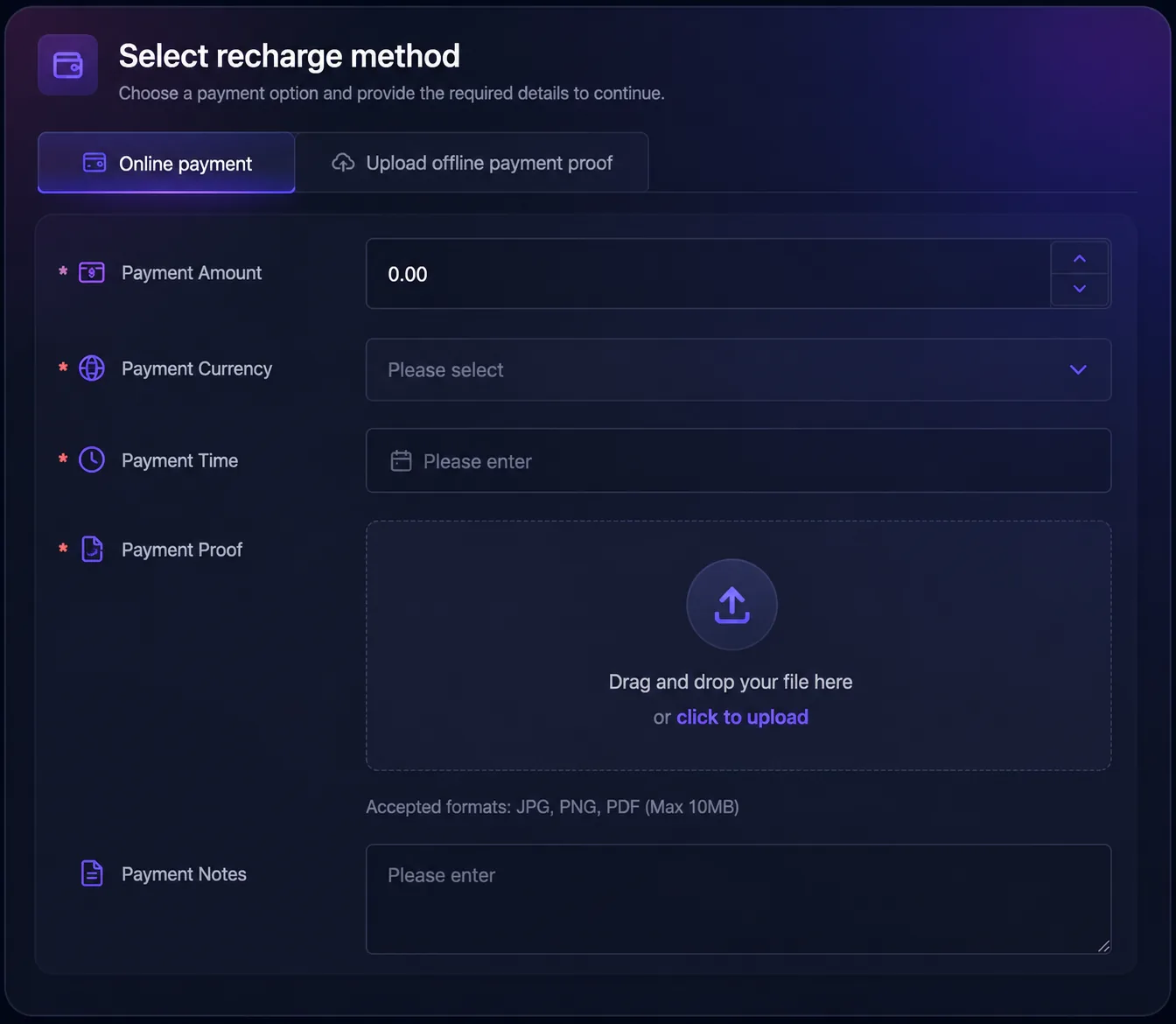
Add prepaid funds through a supported online payment method or upload proof of an offline payment.
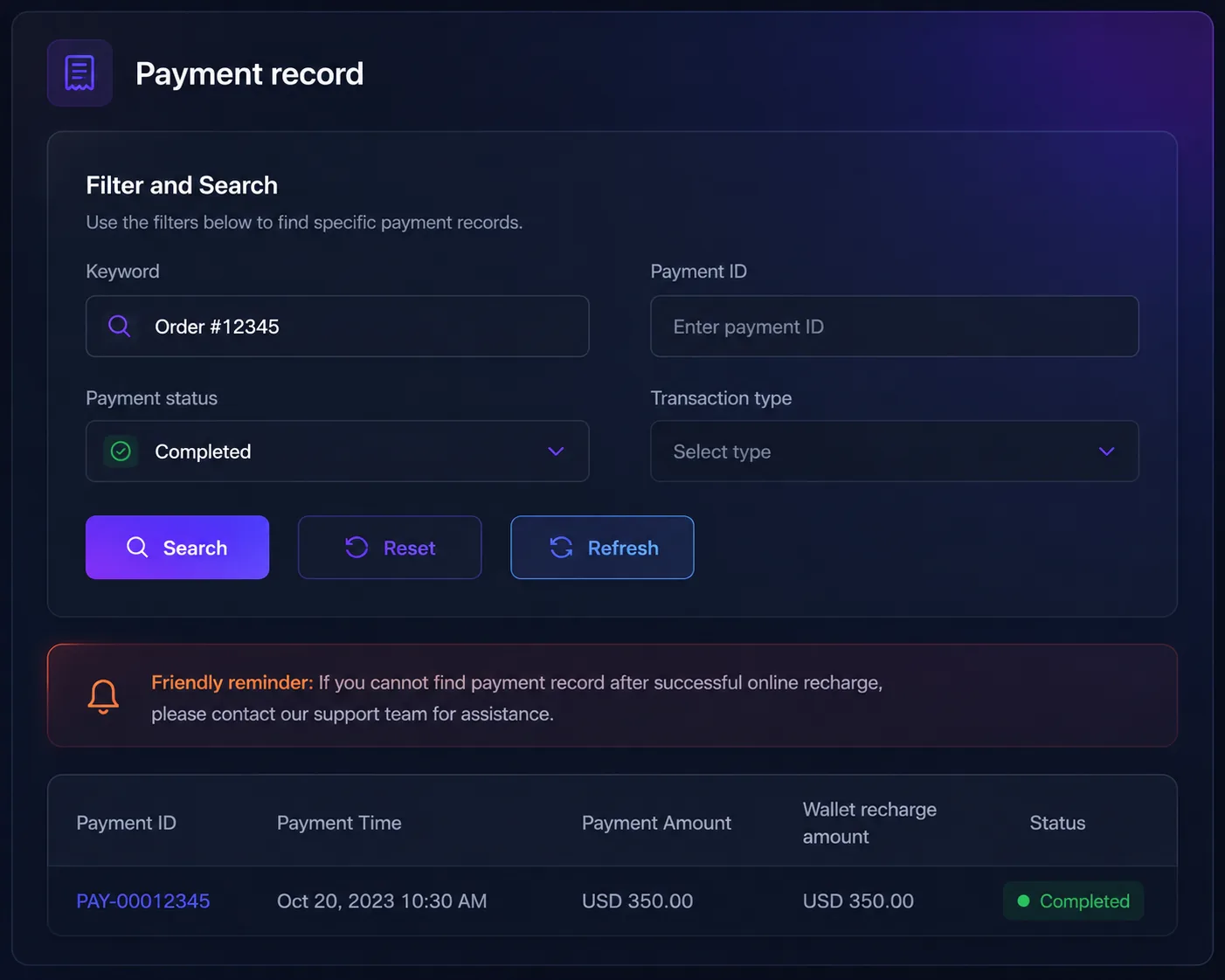
Check previous payments and follow the status of new transfers without searching through emails or receipts.
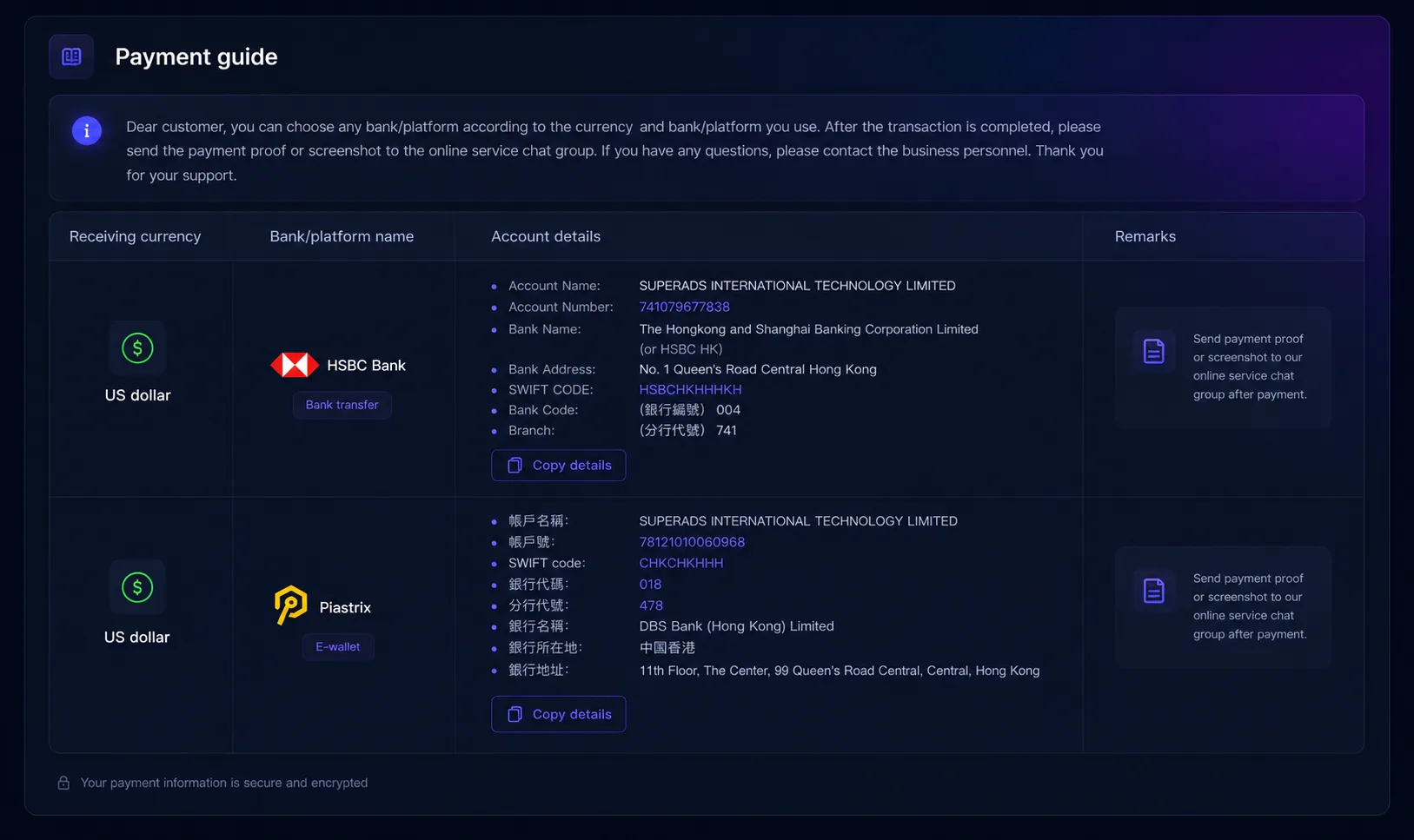
Find instructions for available payment methods, transfer requirements, currencies, and expected confirmation times.
Review your wallet history and see when money was added, deducted, or refunded.
Use your available funds to recharge the advertising accounts that are ready to run.
Everything you need to manage your advertising funds is organised into five simple sections.
Step 1
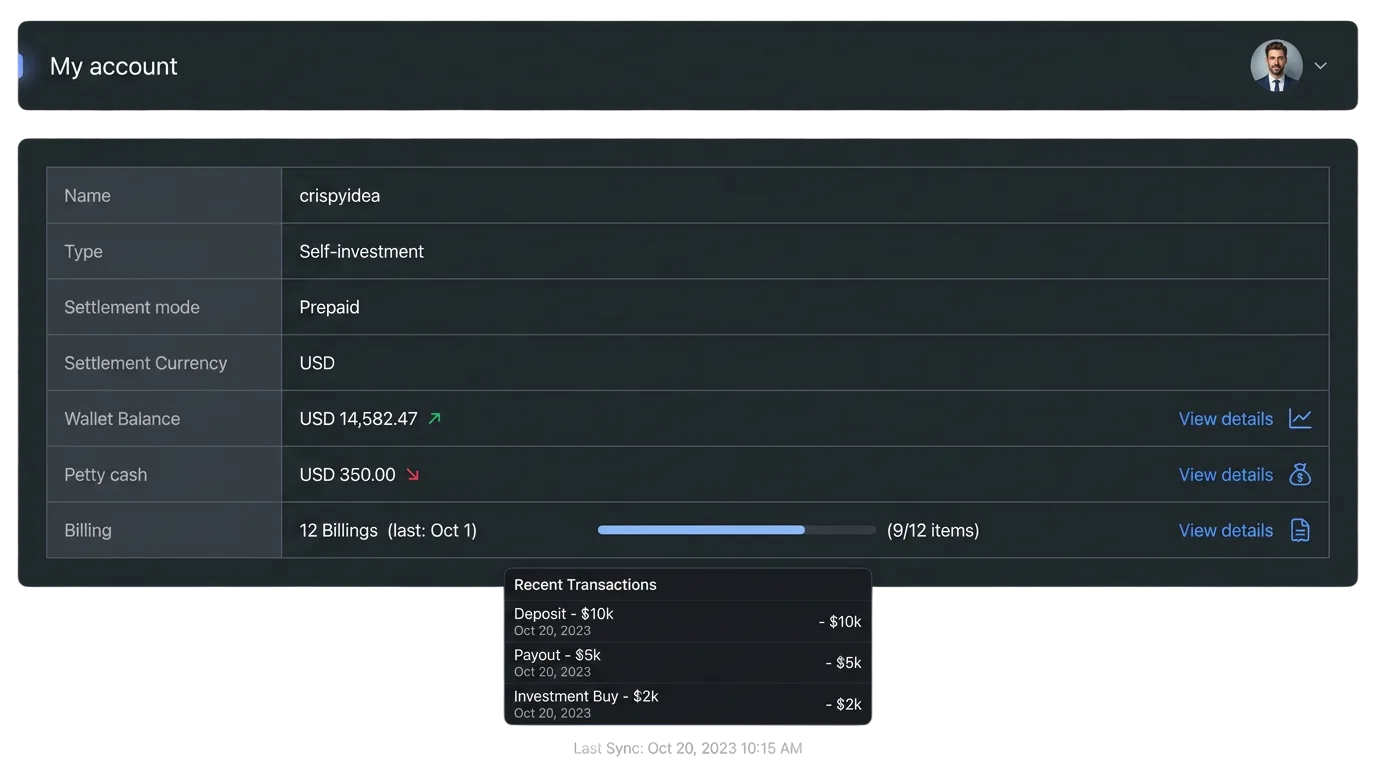
Start with a clear view of your account type, prepaid settlement method, settlement currency, wallet balance, available balance, and billing records.
Step 2
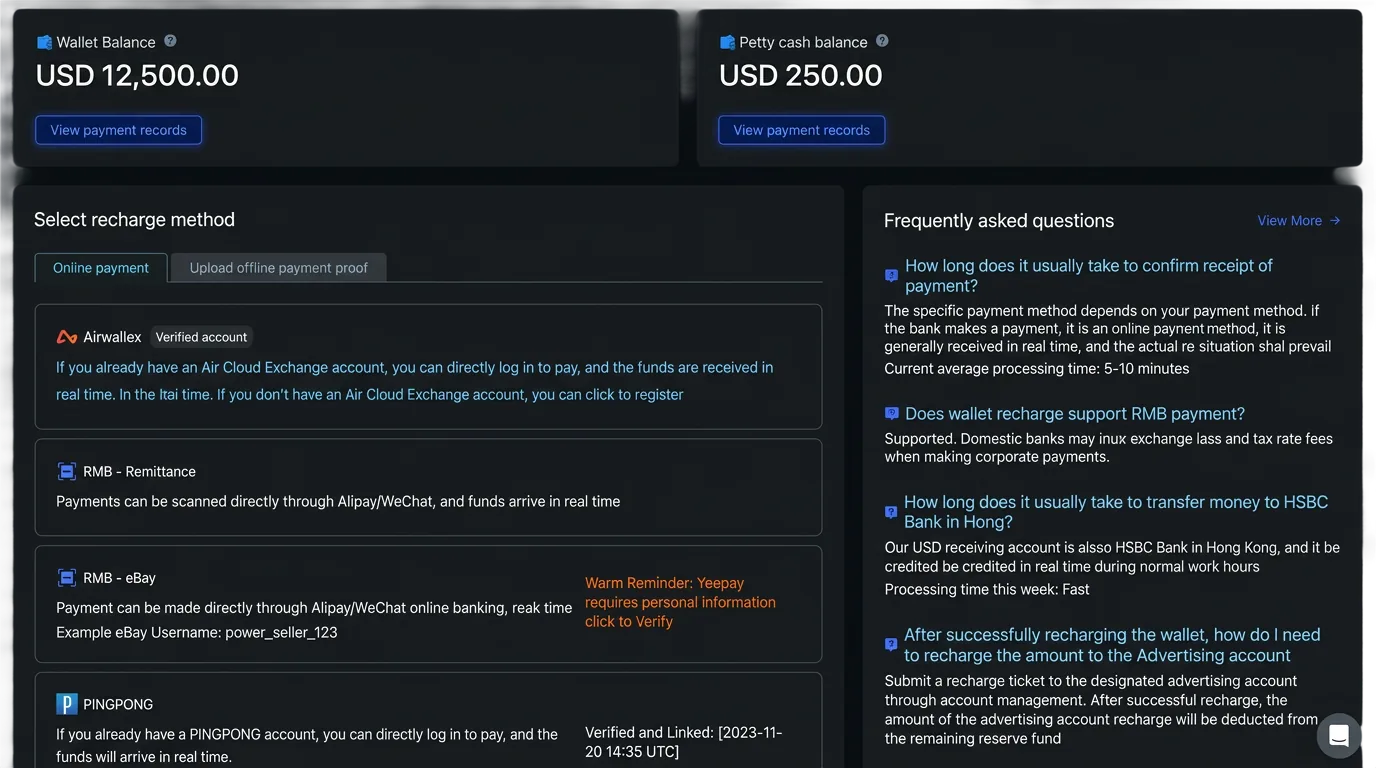
Choose an available online payment method or upload proof of an offline payment to add prepaid advertising funds.
Step 3
Open Payment Records to check previous payments and see whether a new payment has been received and confirmed.
Step 4
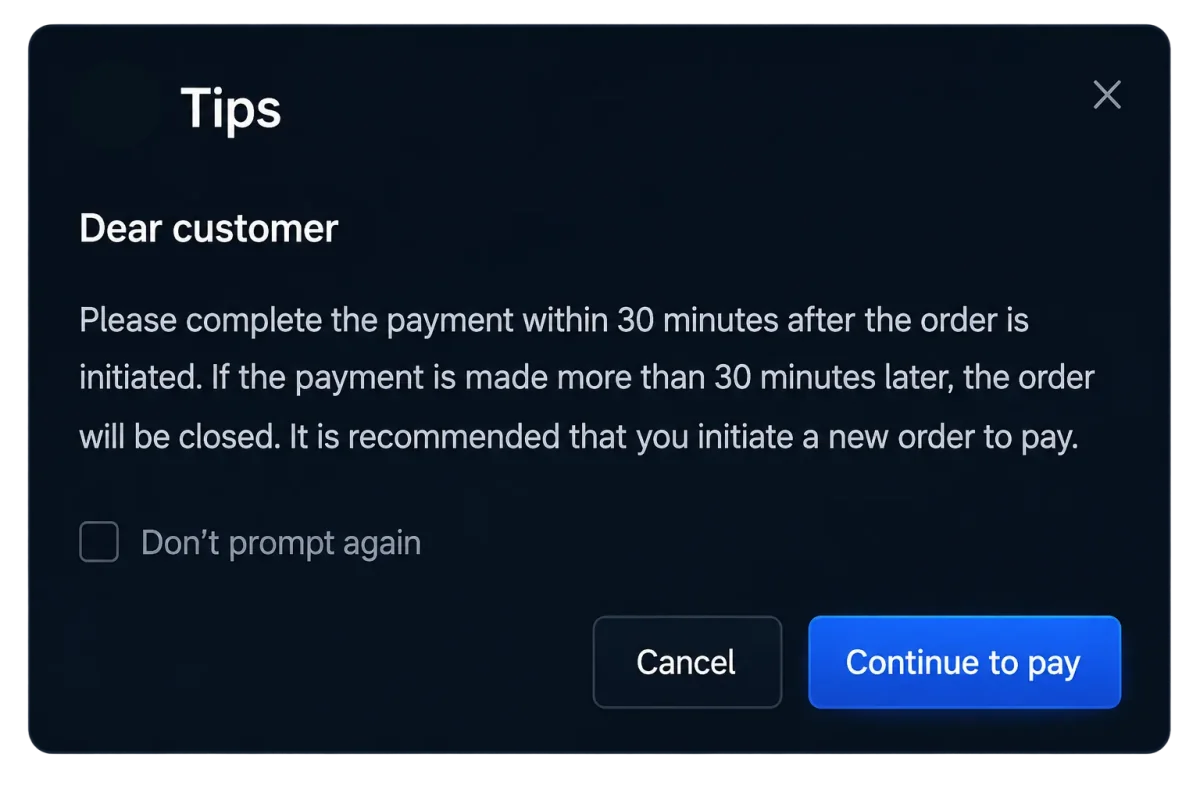
Not sure which payment method to use or how long a transfer may take? The Payment Guide explains the available options and what to expect.
Step 5
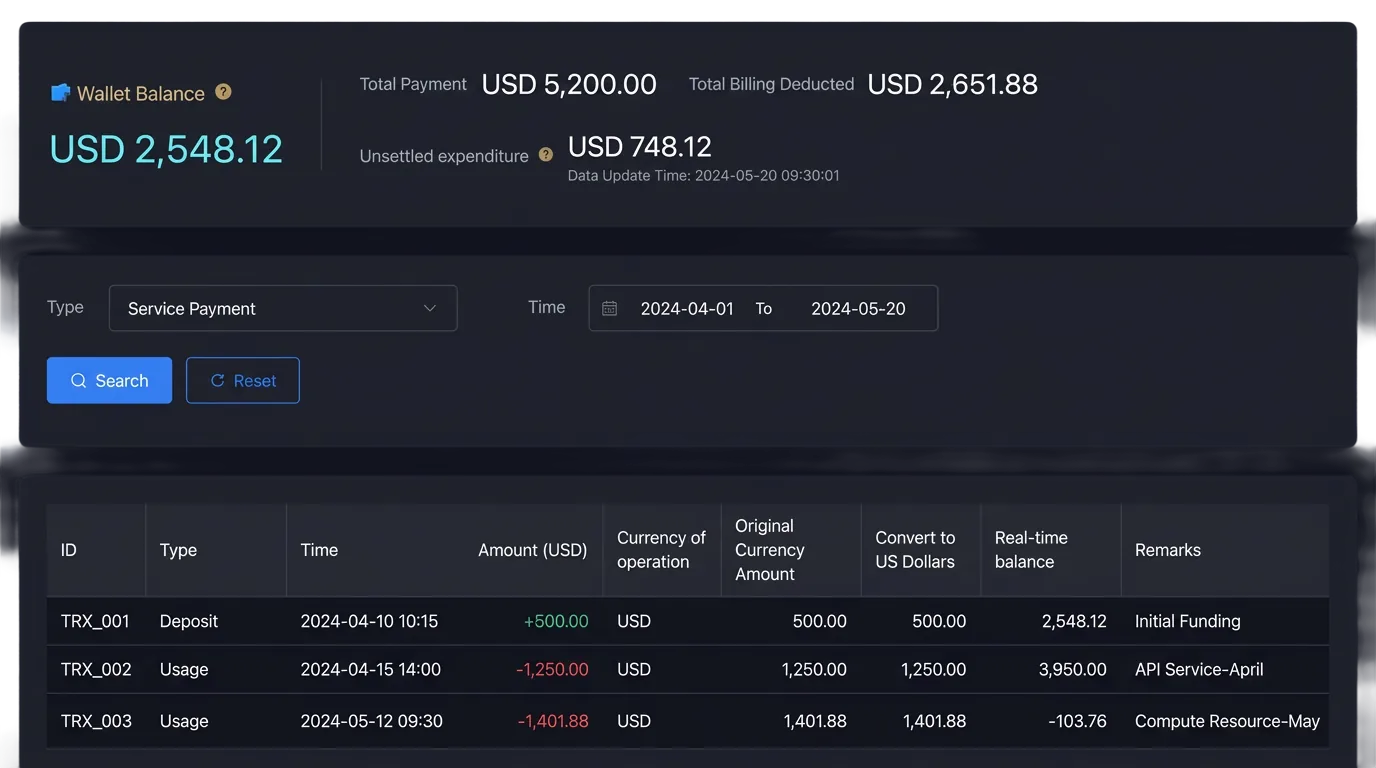
Use Wallet Records to see when funds entered your wallet and how your balance has changed over time.
Your wallet balance and available balance work together, but they are used for different parts of the funding process.
Your wallet stores advance payments for monthly advertising bill settlement. Confirmed prepayments increase the balance. Bill deductions and customer refunds reduce it.
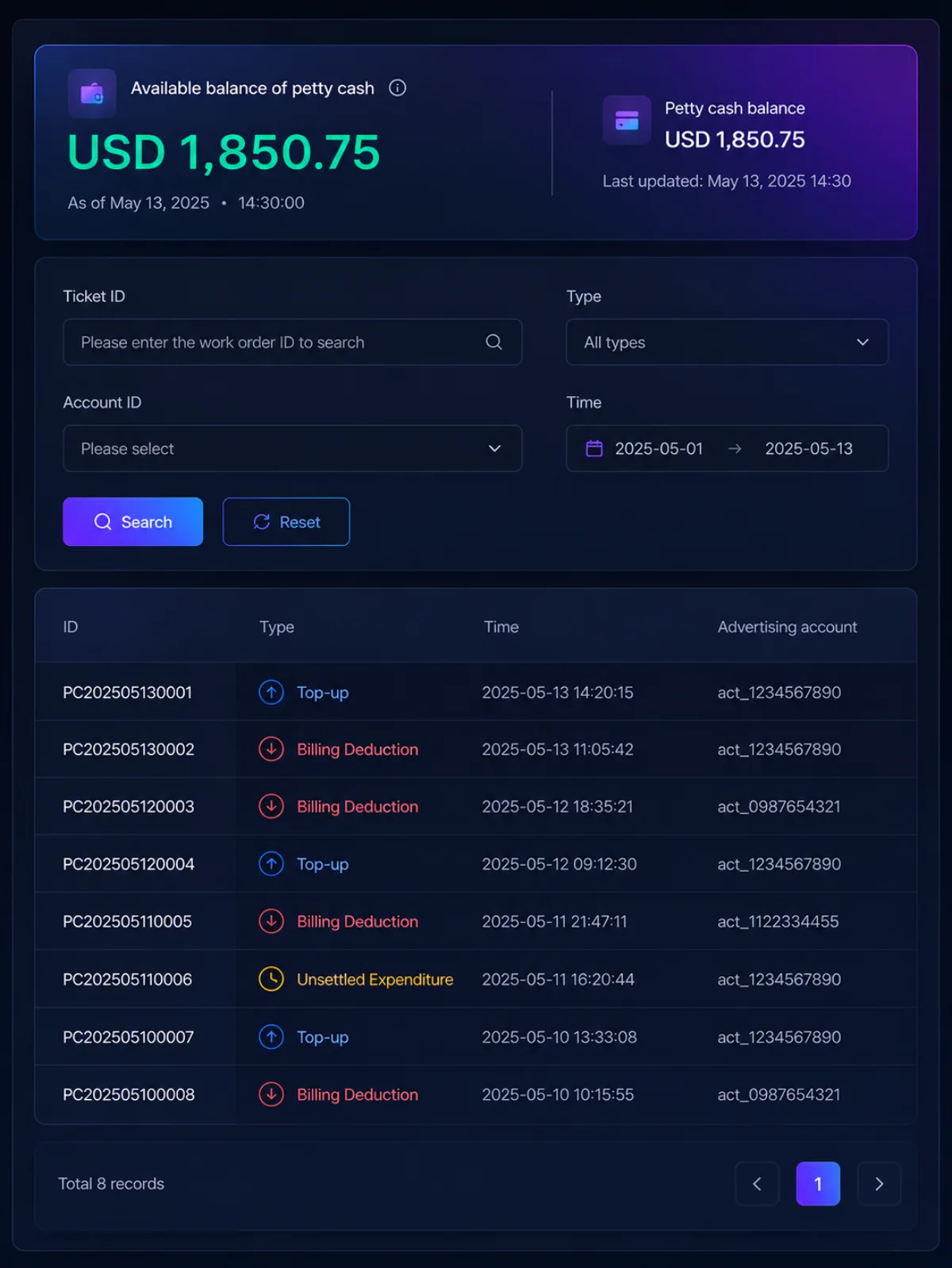
Your petty cash balance supports advertising-account recharges and related fund movements. A completed account recharge is deducted from this balance.
The wallet stores prepaid money for bill settlement. The petty cash balance shows the funds available for advertising-account transactions. Because they serve different purposes, the amounts may not always match.
Use the available payment option that works for your account and region.
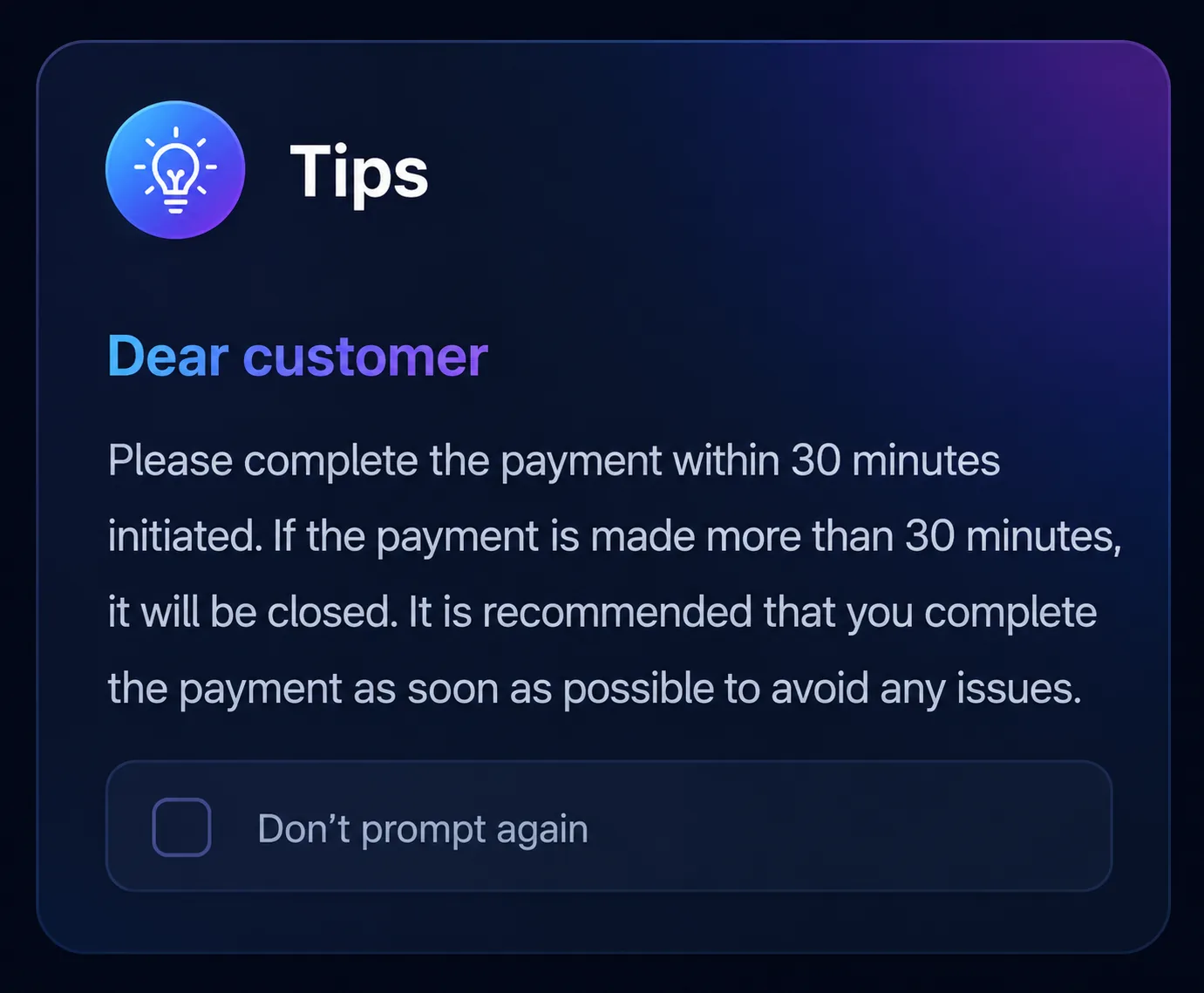
Pay through an available online provider. Confirmation time depends on the selected payment method.
Make an approved bank transfer and upload the payment proof for confirmation.
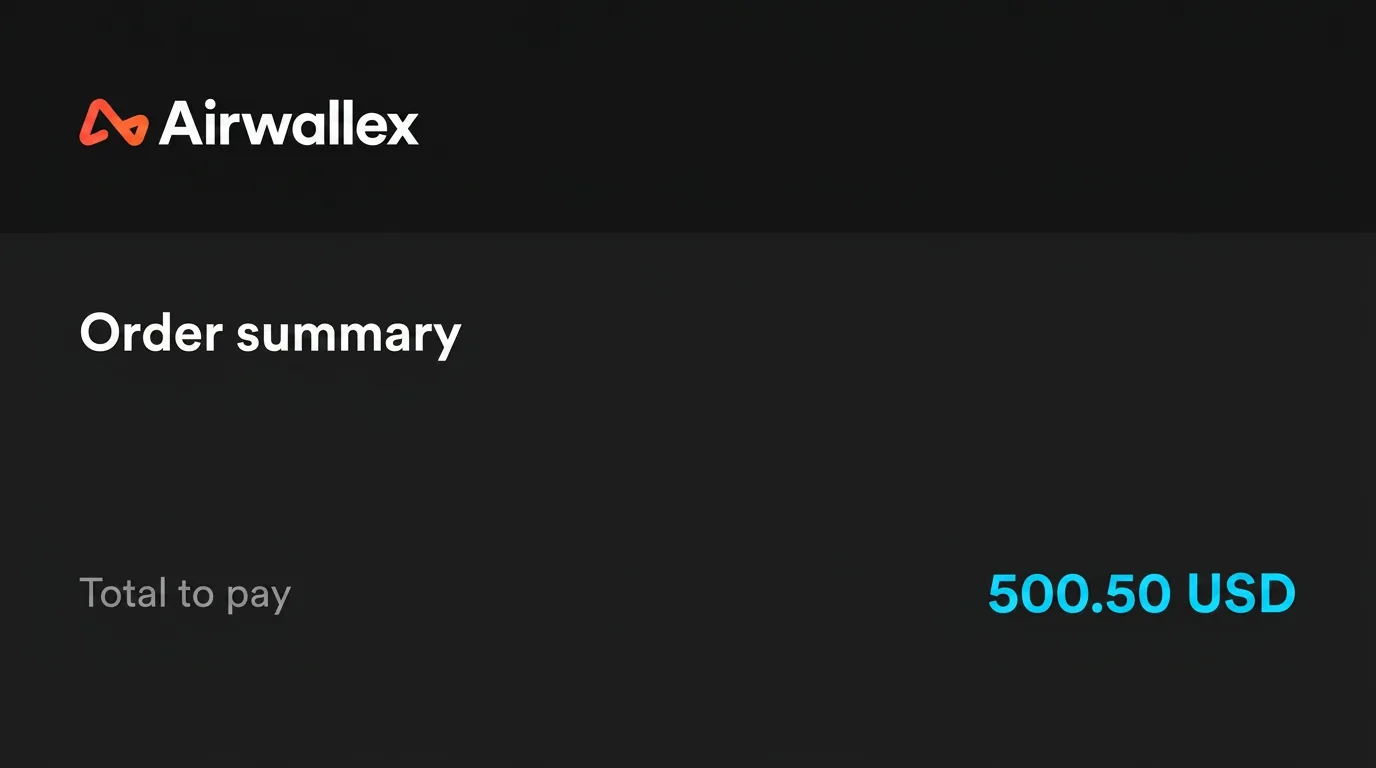
Existing Airwallex users can sign in to make a payment. New users can follow the registration instructions provided in the dashboard.
Use the available Alipay or WeChat option for supported RMB payments.
SuperADS Ad Finance gives advertisers, agencies, media buyers, and finance teams a clearer way to add funds, recharge advertising accounts, and review payment records.

Keep your advertising accounts funded and follow every payment from one place.

Manage regular account recharges and keep financial records clear while running campaigns for multiple clients.

Check available funds before launching or continuing a campaign.

Review balances, payment details, wallet activity, and billing records without chasing campaign updates.
See how teams use SuperADS Ad Finance to add funds, recharge advertising accounts, and keep payment records clear.

Amaka Nwosu
Performance Marketing Manager
Before SuperADS, we tracked payment confirmations and account funding across chats and spreadsheets. Now, our team checks balances, payment records, and account recharges from one dashboard.

Daniel Mensah
Agency Operations Lead
Managing several client ad accounts requires frequent funding. SuperADS helps us monitor available funds and recharge each account without losing track of previous transactions.

Fatima Bello
Finance Operations Manager
SuperADS gives our finance team a clear record of payments, wallet activity, and billing details. Monthly transaction reviews now take less time.
Add prepaid funds, recharge advertising accounts, and keep every payment easy to follow with SuperADS Ad Finance.